The other day I discovered that Acrobat 7 Pro has built-in OCR (optical character recognition). So I decided to run some scanned pages of text through to see how well it works.
Well, it actually does work, and with surprising accuracy, though the resulting document was nearly double the file size of the original. It’s really cool though, because Acrobat layers the OCR’d text invisibly over the image, making it look like you can select, copy and search the imaged text directly from the PDF.
But the point of this is, that while running some basic search strings on the doc to verify its accuracy, I unintentionally did something funny:
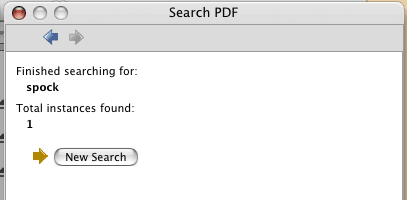
I guess Spock wasn’t on the Genesis Planet after all. Now if we could only find out why he’s not at the iTunes Store…
Here’s a video podcast of Acrobat’s OCR in action. [creativesuitepodcast.com. requires Quicktime]
I’ve been playing with the OCR on invoices without much luck. I just want to have the customer # searchable. This is a total newbie question, but can I select only a certain area of the image to OCR? TIA
Reply
tunequest Reply:
July 20th, 2007 at 11:45 am
As far as I know, it’s all or nothing with Acrobat’s built-in OCR. I know you can do just a single page from a multi-page pdf, but i think that’s a specific as it gets.
Reply